
Made for the in-home appointment
Show them the bathroom before they buy it.
Help homeowners see their own bathroom redesigned with products from your own catalog. Then price the project, present the proposal, and get it signed — right there on your iPad.
14 days free. No credit card.
The problem with the way it works now
You are asking someone to spend twenty thousand dollars on something they cannot see.
A binder of other people’s bathrooms. A tile sample held against a wall. A hand-drawn sketch and a promise. The homeowner nods, says they need to think about it, and the appointment ends without a decision — not because the price was wrong, but because they never actually saw what they were buying.
Then the follow-up: a quote typed up back at the office, emailed two days later, landing next to two competitors. The confidence you built standing in their bathroom is gone, and the job is now a spreadsheet comparison.
The appointment
The whole sale happens before you leave the driveway.
Show the homeowner what they are buying. Then give them the price and a proposal, while you are still at the table.
Explore the workflow
Show their room with your own catalog.
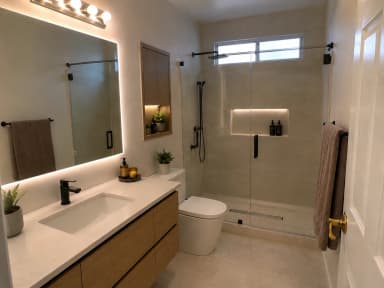
Photograph the bathroom and choose the wall system, fixtures, and glass from your own catalog. Your company’s products and finishes shape the redesign, so homeowners see their room with the products your reps actually sell.
Your catalog, with your products and prices.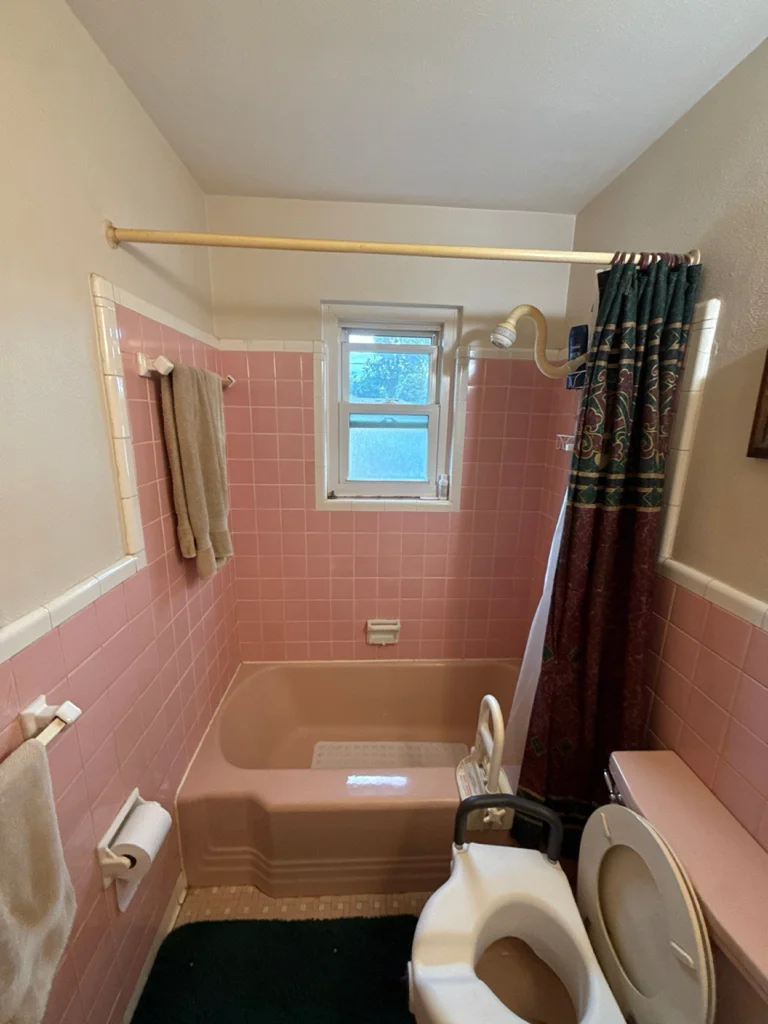
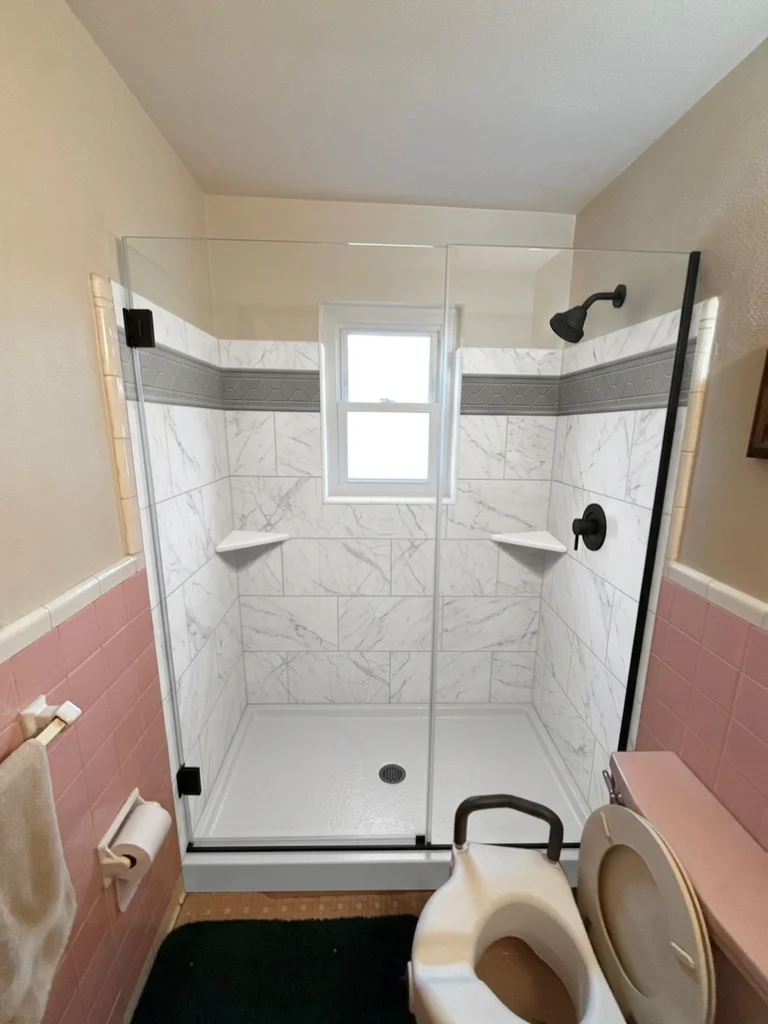
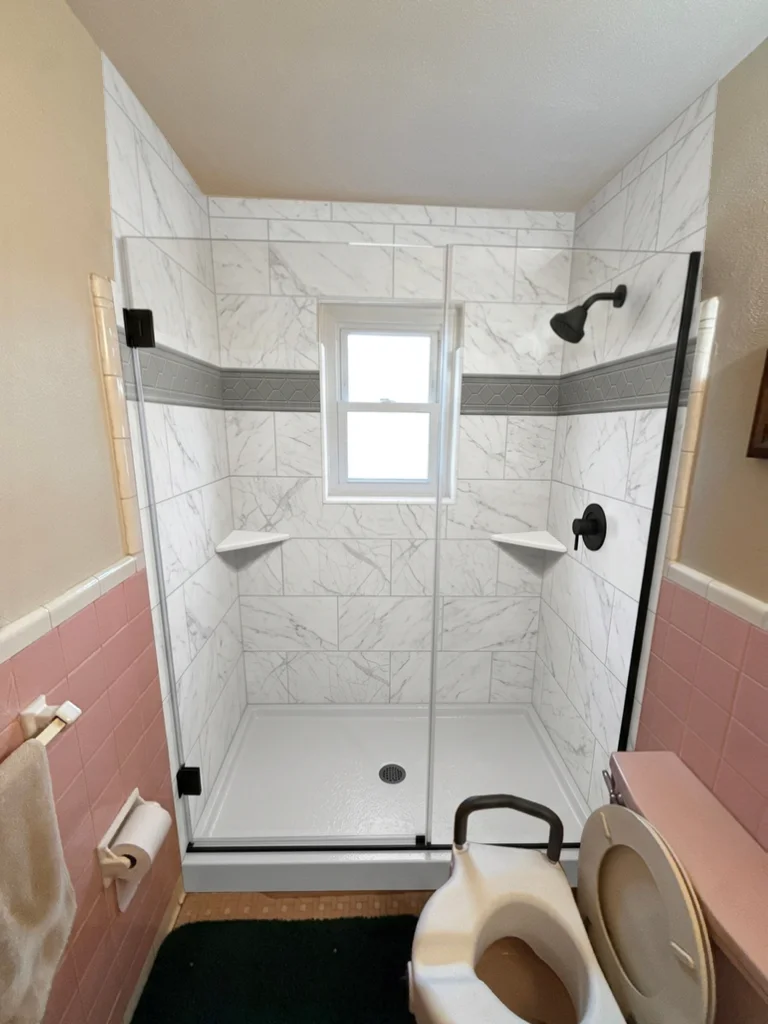
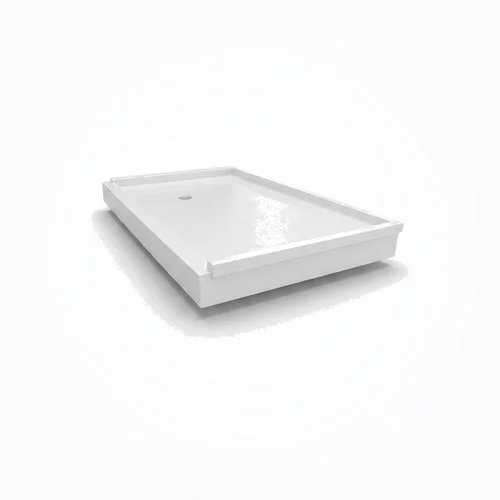

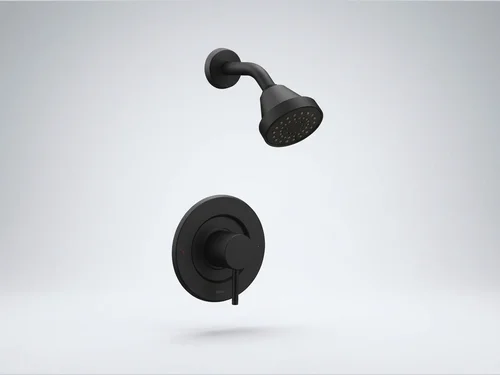
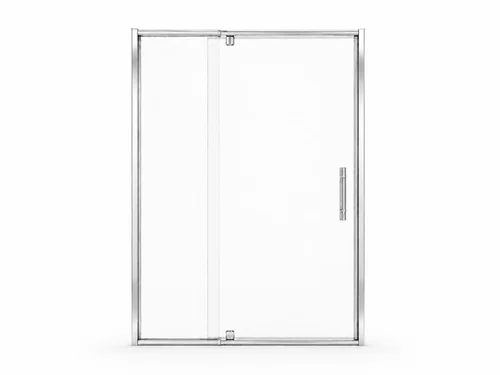
Interactive product walkthrough · Demo customer and pricing
From picture to price
The moment they say “I love it” is the moment you need the number.
In most appointments, this is where things stall. The design lives in one place, the pricing in another, and the customer waits. In Pivorta, the selections that built the image are the same selections that build the quote.
Priced from your own catalog.
Your products, options, and configured installation lines carry your company’s prices into the quote.
A number you can explain.
Review the details, apply your tax handling, and present the offer while you are still at the table.
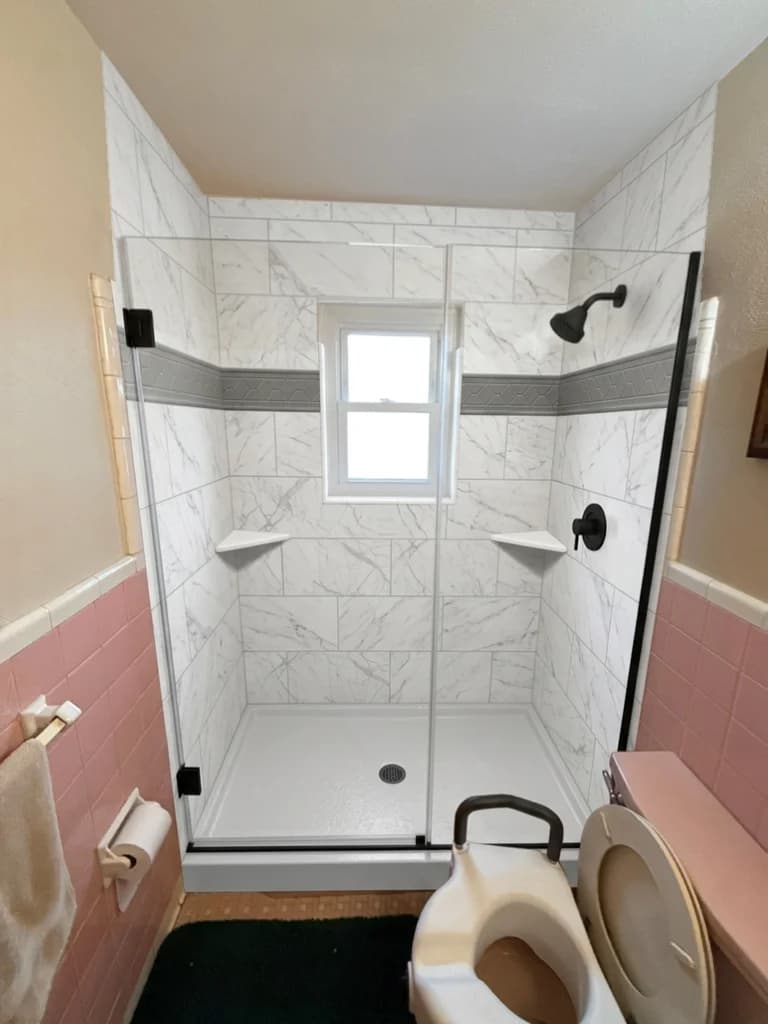
Primary bathroom
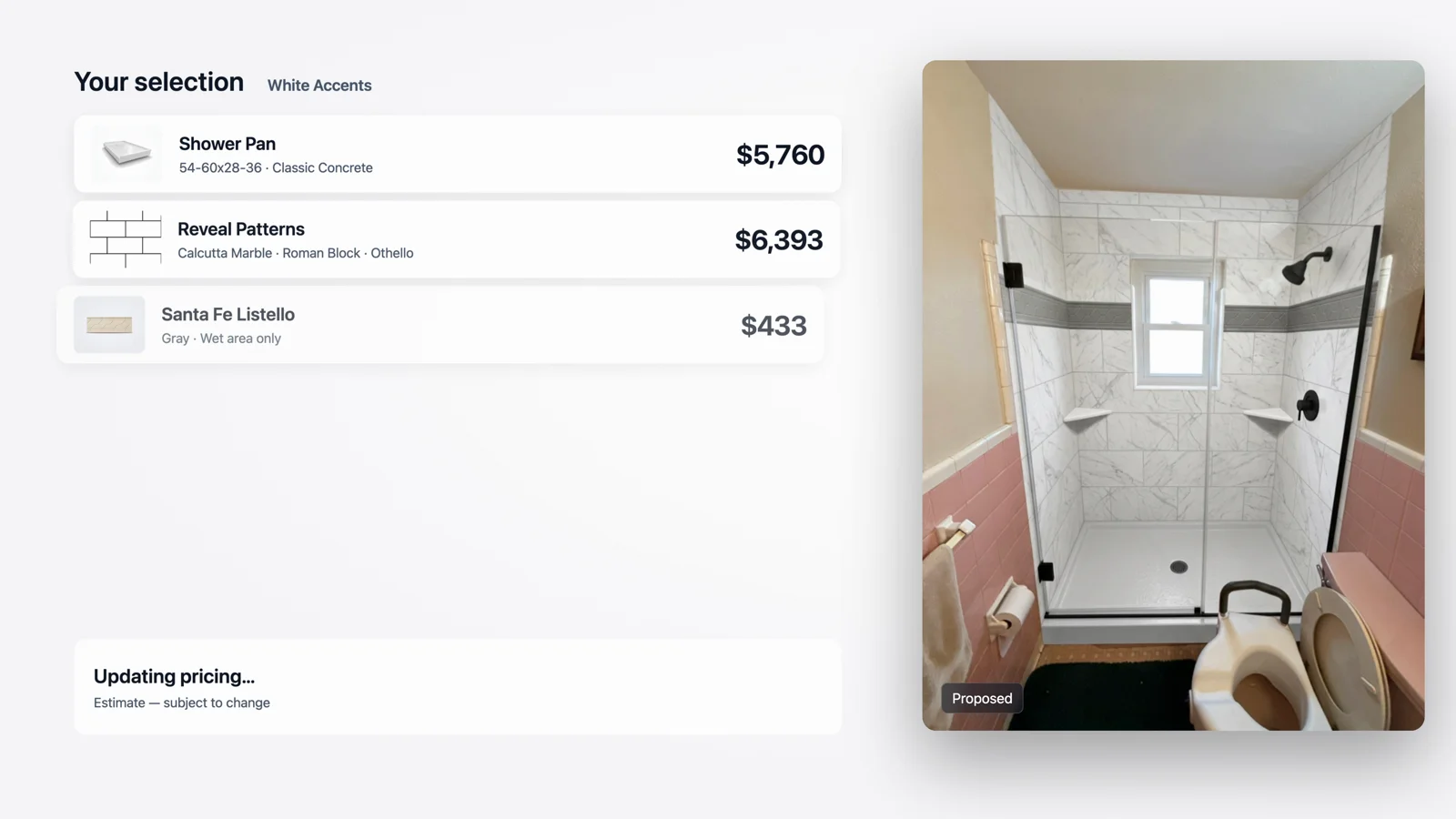
- Shower pan
- $5,760
- Wall surround
- $6,480
- Listello & two shelves
- $1,896
- Fixtures & pivot door
- $9,112
- Subtotal
- $23,248
- Quote discount
- −$1,000
Example catalog pricing from the film. Your company sets its prices.
Close it in the room
Everything after “yes” is where deals leak.
A proposal that arrives days later competes with other quotes and second thoughts. Pivorta keeps the decision in the appointment it was made in.
Prepared for the Avery household
A new chapter
for your bathroom.
Present in your brand. Your logo, colors, and proposal templates follow every rep.
Sign at the table or remotely. The homeowner signs on the iPad or through a secure email link.
Illustrative proposal and signature using fictional demonstration details.
Confidence, close to home
Proof from their own street.
“Have you done work around here?” Answer with your completed projects, mapped around the homeowner’s address and ready to show inside the presentation.
Your portfolio becomes part of the conversation: familiar neighborhoods, relevant work, and proof your rep can show without reaching for another app.
The workspace behind every appointment
You set the rules once. Every appointment inherits them.
Import your own catalog and set your products, options, and prices in the web dashboard. Add your documents and branding, so every rep brings the same company sales system to the appointment.
A clear view of the next step.
Your catalog & pricesImport products and configure the options your reps sell.
Your brand & documentsGive every proposal the same polished presentation.
Your team & visibilityFollow sales opportunities and see what needs attention.
Before you commit
The questions owners actually ask.
Do we have to change how we sell?
No. Pivorta follows the appointment you already run — walk the room, talk through options, price it, ask for the business. It replaces the folder of samples and the spreadsheet, not your process.
Is an iPad required?
For the in-home selling flow, yes — the Design Studio is an iPad app. The dashboard where you set up your catalog, documents, branding, and portfolio runs in any modern browser. Start the trial and we will get your reps onto the app.
Can it use our actual products?
That is the point. You load your catalog with categories, options, media, and prices, and both the visual and the quote are built from it. Import from CSV, spreadsheet, or a supplier PDF with a review step first.
Will it look like our company?
Your logo, colors, and typography apply across the iPad app and every proposal PDF. Pivorta can suggest a palette from your logo as a starting point.
How long before a rep can use it?
A new account opens with sample content already in place and a guided walkthrough that verifies each setup step as you finish it. Most of the work is loading your catalog and setting your proposal template.
What does the homeowner have to do?
Nothing. They never create an account. They see the design and the proposal on your rep’s iPad, and they sign there or through a secure link sent to their email.
Does it connect to our other software?
Not today. Pivorta has no integrations with accounting, CRM, or calendar tools, and no public API. It is a self-contained selling system — worth knowing before you buy.
Who can see our data?
Every record is scoped to your company at both the application and database layer. Our privacy notice, AI content policy, and platform terms are published in full, and customer uploads used for redesign require explicit consent first.
Start here
Try it on a real room this week.
Open an account, load a few of your products, and build a proposal end to end. You will know within an afternoon whether this belongs in your appointments.
- A full workspace for 14 days
- No credit card to start
- Sample content already loaded
- Guided setup that checks your work
Questions before you start? Get in touch.